
Top Piping Software List –
About AutoCAD Piping Add-Ons
Choosing the right kind of block library in AutoCAD® can make or break your piping project.
That’s were we come in .. instead of a job taking hours upon hours, the same job can take only minutes.
Browse our Top List Of Piping Software for AutoCAD® below.
These are our bestsellers at SimpleCAD. They are will make your job much easier and are designed to create high quality drawings that will impress your clients.
All software add-ons below installs and uninstalls very easily in minutes. As an option we can also install the software for you at no additional charge.
Just ask us! Try one or try all of the libraries below (just one menu and one download – see below – or click individual links below for separate downloads)
See Piping Products Below
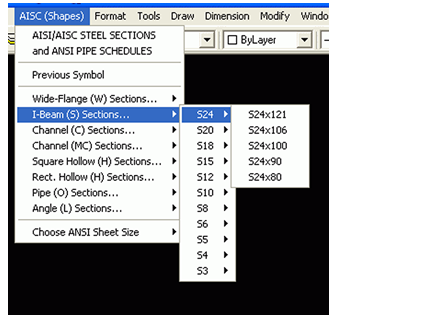
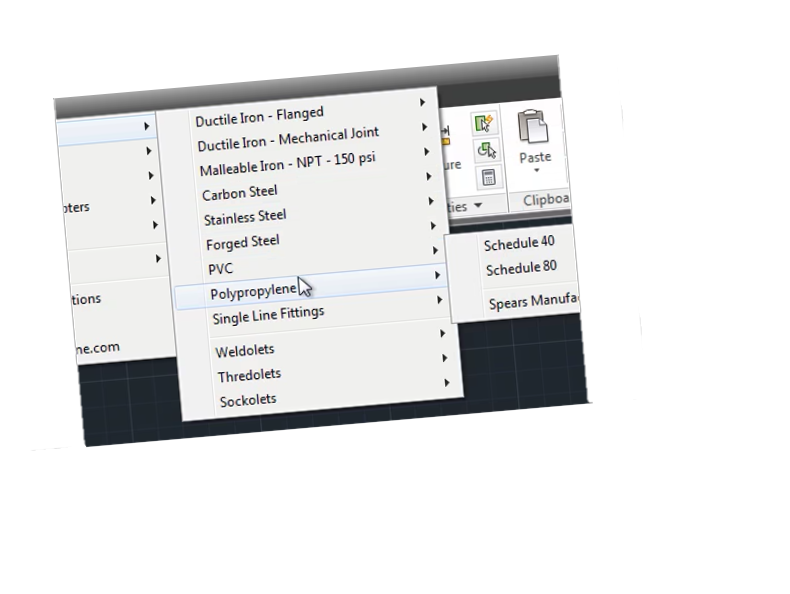
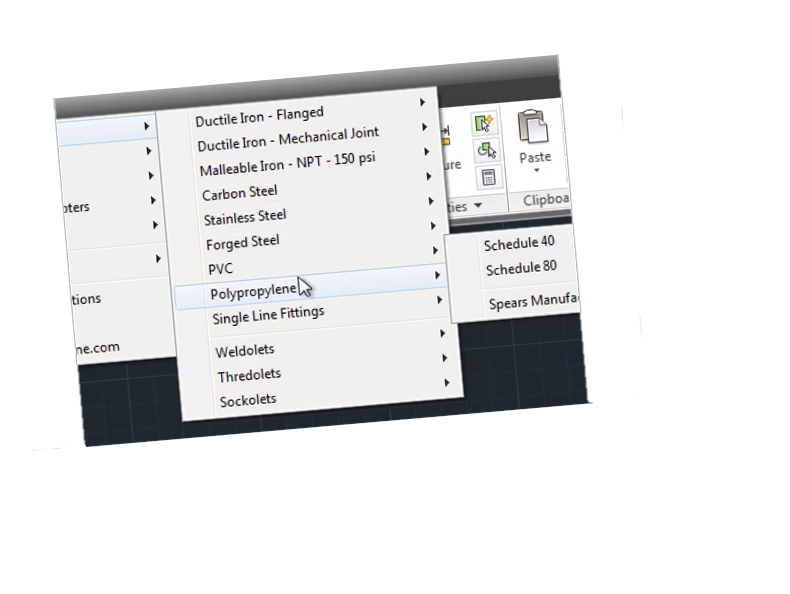
About the software
The Piping Software above all work with the latest AutoCAD and LT releases. Let us know if you need assistance comparing the software listed below by calling 877-933-3929 today.
Try our piping software – all 4 packages in one menu or individually
What you’ll receive is our 4 pack demo which has all the piping fittings listed – some blocks cannot be inserted in the demo. In addition a few blocks in each category are available so that you can try it before you buy it. For 2D only drafting and LT users a 3-pack is also available.
Download Free Trials
Single libraries can also be downloaded by clicking links in list above.
Other Piping Software alternatives
Don’t have AutoCAD or LT? – Check out a CAD standalone alternative with Piping and more.