
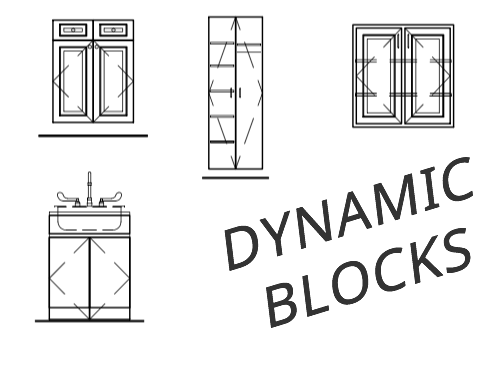
Dynamic Cabinet Blocks for AutoCAD
Block Factory Cabinets
Cabinet Blocks – Block Factory Library
Unleash the power of Dynamic Cabinetry Blocks with the The Block Factory! This powerful library of cabinetry, millwork, hardware and appliances simplifies the drawing process by using AutoCAD’s dynamic blocks intelligence. Now supports AutoCAD and AutoCAD LT versions 2007-2024.
How to use dynamic blocks to draw cabinets
View Block Factory Tutorial
Dynamic blocks have been around since 2006, but many AutoCAD users still don’t use them. Dynamic blocks provided a way to parametrically modify blocks so that one given block can be created in an infinite number of ways. You can even Move, Scale, Stretch, Polar Stretch, Rotate, Flip, Array, or Lookup.
Draw interior cabinets in elevation and plan view
Block Factory eliminates having to draw and redraw cabinets, By using the Tool Palette Cabinet Blocks and Cabinet Sections can be neatly organized for quick access.
Block Library Features:
- Blocks are fully compliant with AutoCAD and LT!
- Supports Dynamic Blocks
- Unlimited amount of block configurations
- Neatly organize them for quick access
- Tutorial included to get you started
Block factory’s dynamic blocks consists of the most commonly used cabinets and related millwork items. Their built-in flexibility variables allow each block to conform not only to almost every millwork shops’ construction needs, but also to the needs of each project.
Block Library Includes:
- Cabinet Blocks
- Cabinet Sections Blocks
- Mill work Blocks
- Moldings
- Hardware
- Appliances and Fixtures
- Symbols and Title Blocks
Using different preset parameters and actions the cabinet block library can be changed into hundreds and even thousands of different block configurations.
Adaptable and flexible, dynamic blocks save you time and increase your productivity. You will able to work smarter and faster using Block Factory’s cabinet library and AutoCAD dynamic block intelligence.